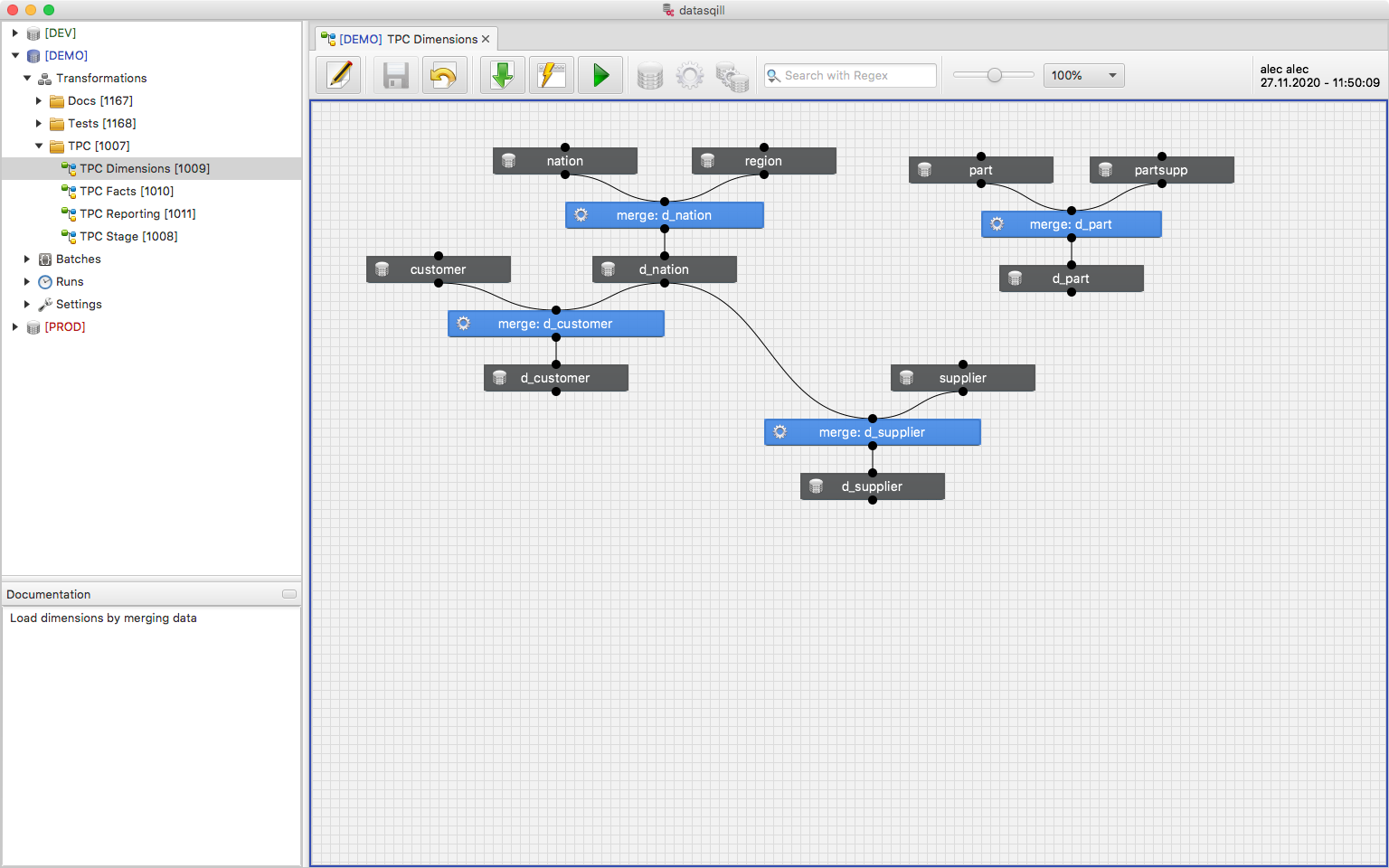
Getting Started
If the prerequisites are met and the credentials are entered correctly, the datasqill Client starts.
If permissions are missing, a warning shows the username and hostname of the client machine in the form Hostname/Username. The datasqill admin must authorize these for the environment.
Main window
After opening, the Workbench shows:
- Title bar with program name and version
- Menu bar
- Explorer on the left
- Editor on the right
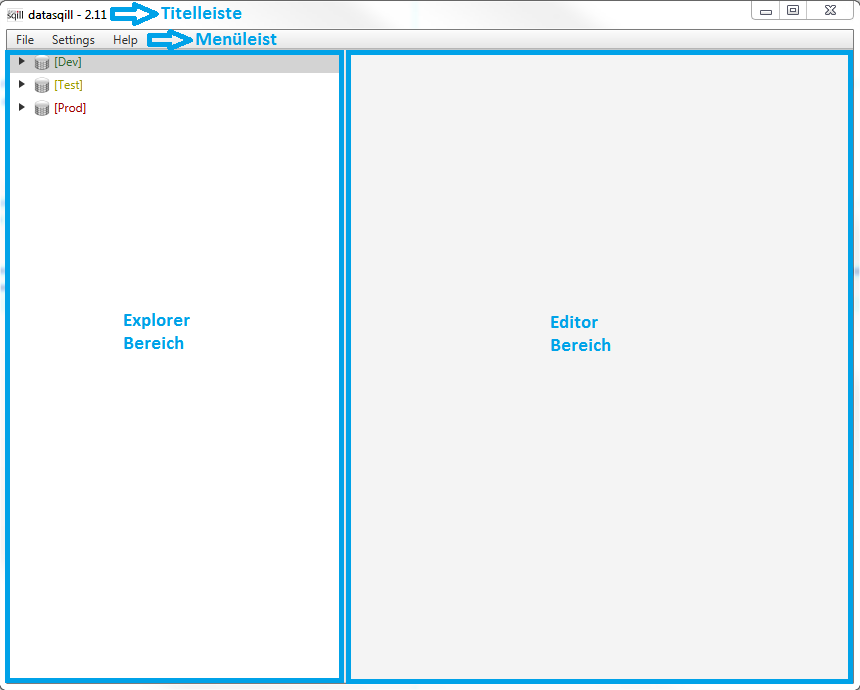
The menu bar:
- File: Restart, Exit
- Settings: Local Settings (see Setup), Connections (see Connection Data), Transformation Databases, Users, Roles & Rights (see Access Control), Icon Library
- Help: datasqill Help, Keyboard Shortcuts, About
Explorer
On the left is the tree of available transformation environments. The categories are described under Navigation Tree.
When you open an environment, it splits into four areas:
- Transformations is used to define transformations. They are captured on worksheets in a folder structure of any depth. See Transformations.
- Batches is used to define scheduled runs. See Scheduled Runs.
- Runs is used for monitoring. Runs are grouped by date; active or failed runs appear under Recent. See Runs.
- Settings shows the logical connections available in the environment.